Live remote support in minutes

Stuck? Let's fix it right now.

Remote LifeSaver lets a PCT technician securely connect to your computer or phone — so we can see what you see and solve the problem without a trip. Download below, run it, then read us your code.

Download Remote LifeSaver
Talk to us first? Call (214) 346-1900
How it works

Three simple steps

No accounts, no setup. The whole thing takes about a minute.

Download & run

Pick your device below and open the file you download. Nothing installs permanently — it just launches the LifeSaver helper.

Read us your code

A 9-digit code appears. Tell it to the technician you're on the phone with so we can connect.

123 456 789

We fix it together

You watch the whole time. We diagnose and resolve the issue, then the session ends — close the helper and access is gone.

Get started

Download Remote LifeSaver

Choose the option that matches the device that needs help.

Windows

For Windows 10 & 11 PCs and laptops.

Download for Windows
Downloads LifeSaverWin.exe — open it, then read us the code.

Mac

For macOS desktops and laptops.

Download for Mac
Downloads LifeSaverMac.dmg — open it, then read us the code.

Phone or Tablet

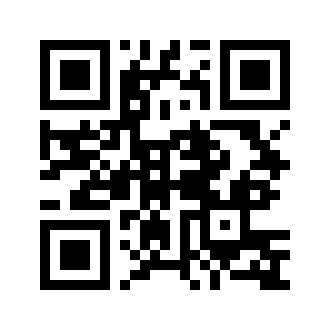
Scan the code, then install the free Splashtop SOS app.

QR code to download Splashtop SOS
App Store Google Play
Open the app and read us your 9-digit code.

Safe, on-demand, and only when you say so

Remote LifeSaver only grants access while the helper is running and after you share your unique code. You can see everything we do, and access ends the moment the session closes — there's no permanent connection left behind. Powered by Splashtop SOS, used by IT pros worldwide.

On the phone with us?

Grab the download above and read us the code. Not on the phone yet? Give us a call and we'll walk you through it.

Call (214) 346-1900